PDF report and DXF export
Once polygons and dimensions are in place, Roofy exports a PDF report and a DXF file with a single click. Both are ready to hand over to clients, architects or workshops. With the solar module layout (Pro), both can also include the PV module layout.
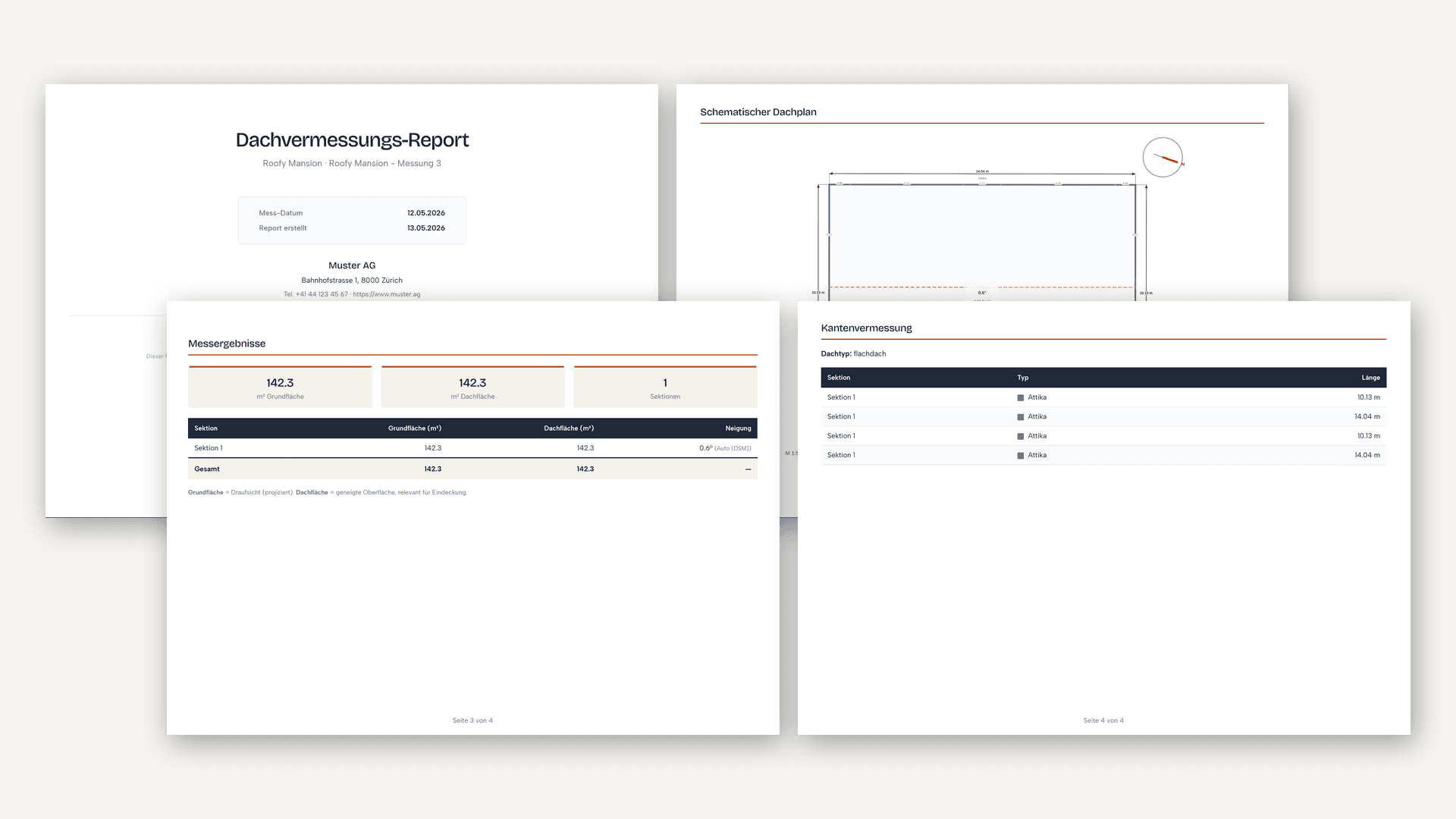
Generate report and DXF
In the measure editor you will find two export buttons. Click the one you want and the download starts automatically after a few seconds.
- PDF report: Handover document with roof surfaces, dimensions, annotations and a drone overview image. Ready to send to clients.
- DXF file: Vector export in CAD format. Polygons, measurement lines and classifications, to scale. Importable in AutoCAD, Vectorworks or other CAD software.
- Solar module layout in the PDF (Pro): If a variant holds modules, the dialog “Variants for the report” opens before the download. Ticked variants go into the PDF, each with the number of modules, the output in kWp and the layout as a diagram per surface. Where a roof surface can be matched unambiguously, a yield estimate based on sonnendach.ch (buildings in Switzerland) is added. The 3D image shows the current view; the Solar tool has to be switched on for it.
- Solar layout in the DXF (Pro): If a variant holds modules, the dialog “DXF export” opens. With the tick “Solar layout in the plan” and the chosen variant, modules, zones, obstacles and the safety zone go onto their own layers (ROOFY_SOLAR_*). Without the tick the DXF stays as before.
Set logo and company details
In Settings you set your company logo (PNG with transparent background) and your contact details. These appear on every generated PDF.
To the branding area in SettingsOnly logo and company details are adjustable. PDF colours and layout are fixed.
Next step
Help & Troubleshooting
For trouble with upload, processing or export, find the most common solutions here.